Phone:
(701)814-6992
Physical address:
6296 Donnelly Plaza
Ratkeville, Bahamas.

Phone:
(701)814-6992
Physical address:
6296 Donnelly Plaza
Ratkeville, Bahamas.
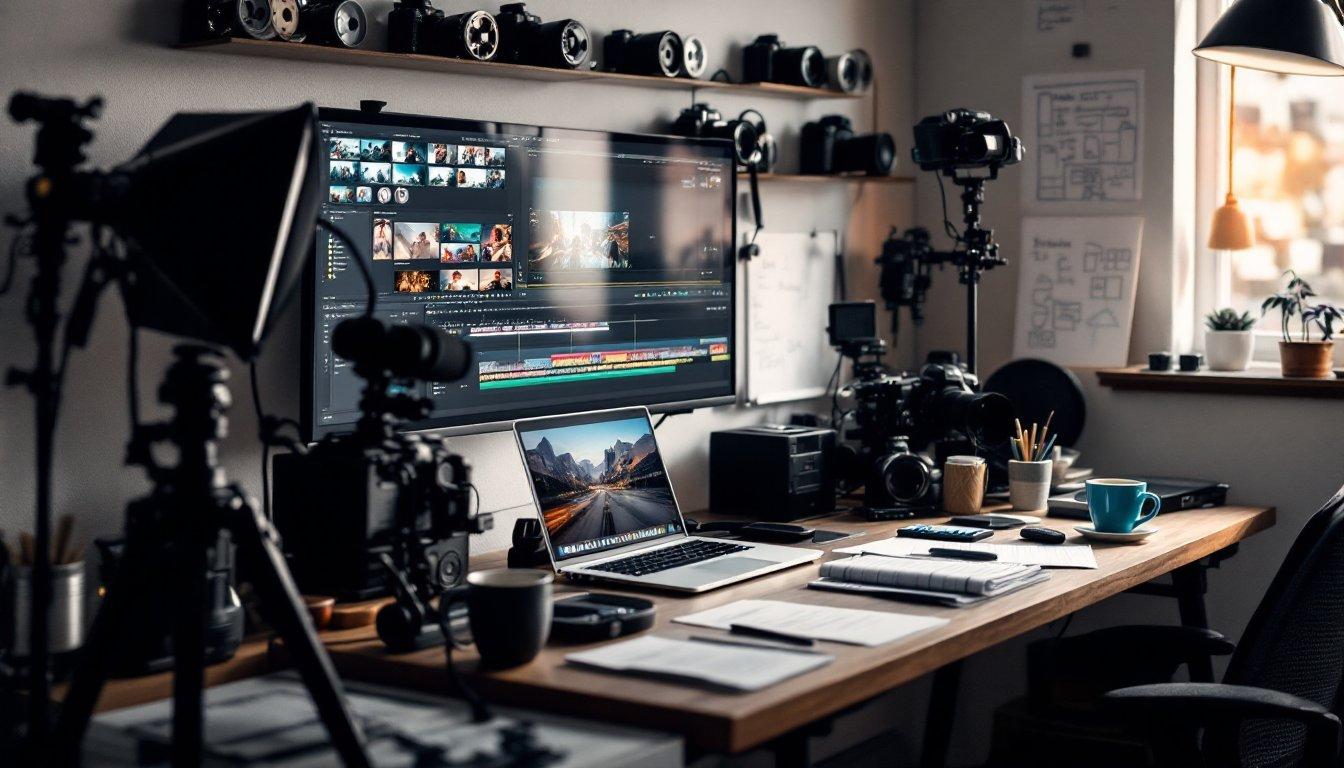
If you asked an indie filmmaker a few years ago what their biggest bottleneck was, they’d usually give you the same three answers: budget, gear, and time. Getting a high-concept sci-fi short off the ground meant scrounging for funds, renting expensive camera packages, hiring visual effects artists, and praying that bad weather didn’t ruin a crucial outdoor shooting day.
Fast forward to today, and the film production landscape looks radically different. We’ve entered an era where a single creator sitting at a coffee shop table can render a cinematic, 1080p shot of a rain-slicked cyberpunk metropolis in seconds—complete with realistic reflections, physical lighting, and dynamic camera turns.
Whether you’re a seasoned director looking to speed up pre-visualization or a film enthusiast eager to bring your first narrative script to life, AI filmmaking tools have evolved from novelty experiments into genuine production powerhouses. In this post, let’s break down how these tools are transforming modern filmmaking, what you actually need to build a project from scratch, and how you can harness them without losing the artistic soul of your story.
Before you ever hit “render” on a generative video tool, every great film starts with a clear vision. Historically, pre-production meant spending weeks creating mood boards, drawing hand-sketched storyboards, or building expensive pitch decks to convince producers that your visual aesthetic was worth funding.
AI has completely revolutionized this phase. Today, directors use generative image models and specialized pre-production platforms to construct shot-by-shot storyboards before filming or rendering a single full scene.
Key Insight: The goal of pre-production AI isn’t necessarily to generate final, broadcast-ready footage right away—it’s to establish character continuity, lighting palettes, and camera angles early so you know exactly what your narrative requires.
By establishing your keyframes first, you eliminate guessing games later. If you need a consistent main character across five distinct scenes, generating multi-angle character sheets with AI before diving into motion generation ensures your protagonist looks like the same person from scene to scene.
When it comes to translating text or images into moving pictures, no single tool does everything. Most working creators rely on a hybrid workflow, picking specific platforms depending on what a scene calls for.
Here is how the top players currently stack up on set:
Runway remains a favorite among creative professionals because it prioritizes precise directorial control over randomized output. Features like the Motion Brush allow you to paint specific movement vectors onto an image—telling the software exactly which direction the wind should blow a character’s coat or how a vehicle should travel down a street. Paired with explicit camera controls (pan, tilt, zoom, and rack focus), Runway feels less like rolling dice and more like directing an active camera operator.
When sheer visual fidelity, complex physics simulation, and fluid environmental lighting are non-negotiable, Sora sets the benchmark. Water flows naturally, fabric carries physical weight, and light reacts realistically to dynamic motion. While Sora offers less granular manual camera override than Runway, its ability to generate longer, narrative-coherent shots makes it ideal for hero sequences and cinematic establishing shots.
Need fast iterations, stylized aesthetics, or complex human motion? Kling has emerged as a top choice for smooth human movement and multi-shot storyboarding, while Pika excels at quick social edits and creative visual effects. When you just want an easy video maker workflow that delivers immediate, high-energy clips without deep technical setup, Pika’s rapid render times make it an invaluable testing ground for fast-paced ideation.
One common trap new creators fall into is trying to make one single tool do every single job. In reality, modern AI cinema relies on a modular pipeline. If you want to create a short film that looks cohesive and polished, here is a practical step-by-step framework you can follow:
By treating these platforms as an integrated, easy video maker ecosystem rather than a “magic red button,” you maintain total artistic control over the pacing, mood, and final narrative edit.
With all this discussion about algorithms and render speeds, it’s easy to feel like human creativity is getting pushed out of the director’s chair. But the truth is quite the opposite.
AI doesn’t have taste. It doesn’t know why a dramatic pause heightens emotional tension, why a sudden jump cut feels jarring, or why a quiet character moment resonates with an audience. An easy video maker can generate a visually stunning shot of a dragon flying through clouds in seconds, but it cannot decide why that shot matters to your character’s emotional arc.
Pro Tip: Your value as an AI filmmaker isn’t in typing basic text prompts—it’s in your curation, pacing, and emotional intelligence. The best AI creators are those who treat software like a highly capable VFX crew, guiding every detail with a distinct creative vision.
We are living through one of the most exciting shifts in film history. The barrier to entry for cinematic storytelling has never been lower. Tools and visual effects that once required million-dollar studio budgets are now accessible to anyone willing to experiment, learn, and iterate.
You don’t need a background in computer science or a master’s degree in cinematography to begin. Pick a short concept, open an intuitive easy video maker tool, experiment with image-to-video prompts, and start assembling your scenes frame by frame. The technology is here—all that’s left is your story.